
How to Get a Twitter Video Transcript
X (Twitter) can show captions on a video, but you can't copy them. How to get a Twitter video transcript as text or subtitles from a post's link, step by step.
X, still Twitter to most people, can show captions on many videos, but it has no Twitter video transcript you can copy or download. Here's what X's own captions can do, what your phone can add, and what to do when you need the exact words.
Turn on X's captions
- 1
Find the CC button
On the web, it sits next to the volume control on the video player.
- 2
Switch captions on
Lines appear over the video one at a time. On a phone, captions often show while the video plays muted.
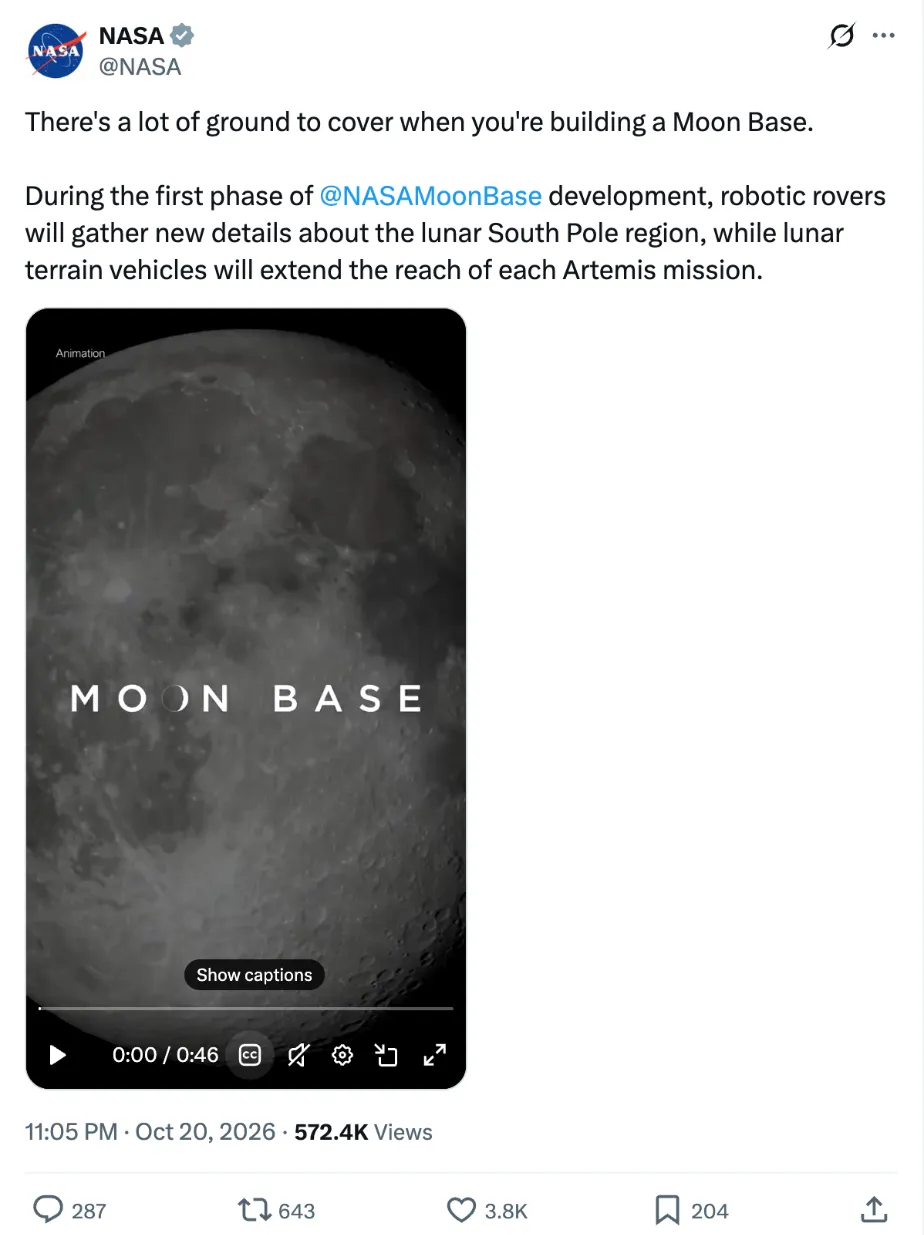
X has added automatic captions to new uploads since late 2021, and creators can attach their own caption file when they post. Many videos still have none: older uploads, clips with text burned into the picture, and videos re-posted from elsewhere. Even when captions exist, X won't let you copy or export them.
Use your phone's live captions
When a video has no captions on X, your phone can add them as it plays:
- Android: press a volume button, tap More, then Live Caption, or search your settings for it. Languages depend on the phone.
- iPhone: Settings → Accessibility → Live Captions, on iPhone 11 and later, and so far only with the phone set to English (US or Canada).
Either way, you're reading along, not getting a copy you can quote from.
If it's a Space, not a video
Spaces are live audio rooms, not video posts. If the host recorded one, X says the replay can show closed captions, and listeners can replay it for a limited time. X doesn't offer listeners a download, so treat a Space like any other recording you can only play back: take notes against the replay's timeline.
Before you quote someone
If you're quoting a video in an article or a post, reading along isn't enough. Typing from a replayed clip is slow (a two-minute interview is around 300 words) and easy to get wrong, and automatic captions often mishear names and numbers.
- Work from the full text with timestamps, not from what you remember of a replay.
- Check every quote against the video. Play the moment again at the timestamp before you publish, especially names, figures and anything said quickly.
- Link the post and give the time, so readers can hear it themselves.
The same approach works for YouTube videos and Instagram Reels.
Sources: X Business: Recorded Spaces · Google: Live Caption on Android