
How to Get an Instagram Reel Transcript
Instagram shows captions on Reels but won't let you copy them. Here's how to get an Instagram Reel transcript as text or subtitles, on your phone or computer.
Instagram has no transcript button, so here is how to get an Instagram Reel transcript anyway: read along with Instagram's captions, use your phone's own live captions, type the words out, or paste the link into a transcript tool.
One word causes a lot of confusion: on Instagram, a "caption" usually means the text written under a post. This guide is about the other kind, the words spoken in a Reel.
Turn on Instagram's captions
- 1
Open Settings
In the Instagram app, open your Settings.
- 2
Go to Accessibility, then Captions
The path moves between app versions. If it has, search your settings for "captions".
- 3
Switch captions on
Reels that have captions now show them while they play, a few words at a time.
Captions are a phone feature: the UK hearing charity RNID notes they aren't available when you watch Instagram on a computer.
If the Reel is yours, turn captions on before posting under Advanced settings, or add the Captions sticker while editing, which transcribes the audio and lets you fix mistakes before you publish.
Why some Reels have no captions
Instagram launched automatic captions in 2022 in 17 languages, including English, Spanish, Portuguese, French, Hindi and Japanese. A Reel can still show nothing because:
- the language isn't one of them, or nobody speaks over the music;
- the creator switched captions off when posting;
- the words you see are typed into the video. Many creators add their own on-screen text, which is part of the picture and can't be selected or copied.
Even when captions show, Instagram gives you no way to copy them, download them or see them all at once.
Use your phone's live captions
Your phone can caption any video it plays, Instagram included, without Instagram's help.
- Android: press a volume button, tap More under the volume controls, then Live Caption. If you don't see it, search your settings for "Live Caption". Supported languages depend on the phone; Google lists more than a dozen on recent Pixels.
- iPhone: go to Settings → Accessibility → Live Captions. Apple offers it on iPhone 11 and later, and it has been limited to phones set to English (US or Canada).
Like Instagram's captions, these are for reading along. They scroll past as the video plays and don't give you a document to keep.
Type it out
For a short Reel, pause, type a line, play a little more and repeat. A one-minute Reel is about 150 words, so expect several minutes of rewinding, and no timestamps unless you note them yourself.
Copy the Reel's link
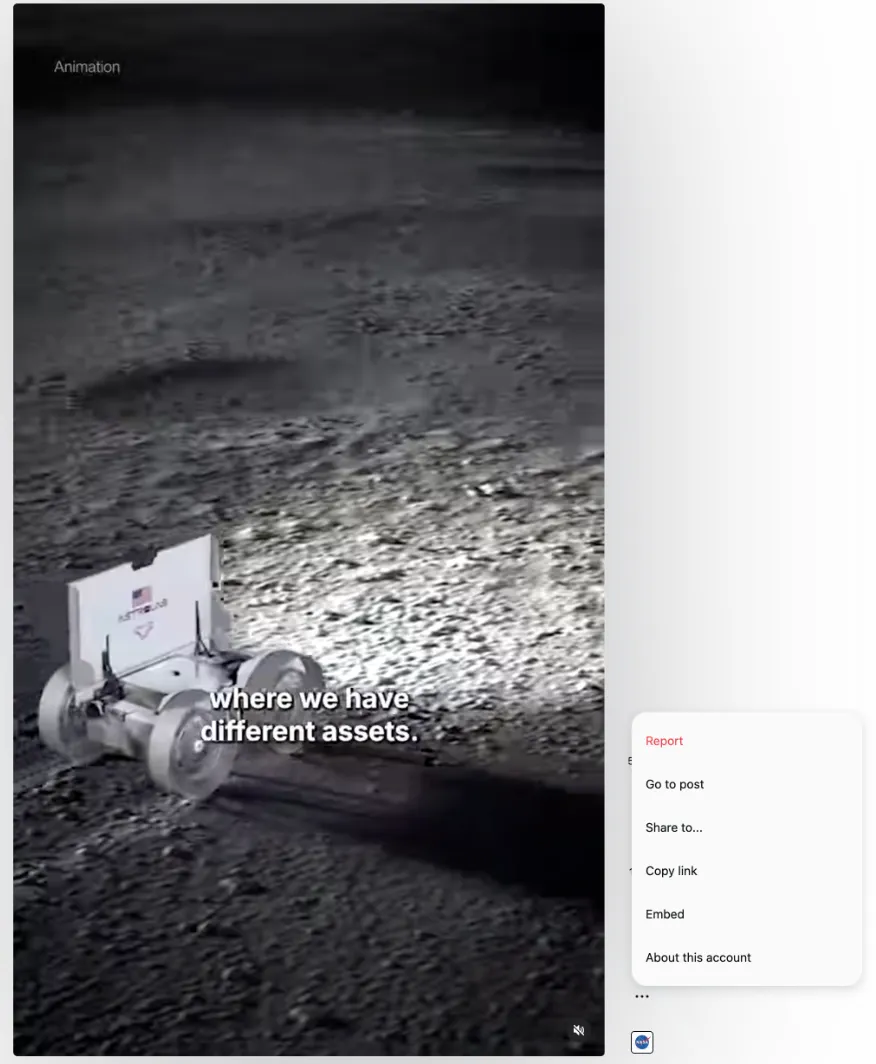
In the app, tap Share, then Copy link. On a computer, use the … menu beside the Reel.
Studying how Reels and TikToks open? See TikTok script examples. For YouTube, see the YouTube Shorts guide.
Sources: Google: Live Caption on Android · TechCrunch: Instagram rolls out auto-generated captions (2022) · RNID: Captions on Instagram